1. Introduction: Why Stage Lighting Troubleshooting Matters
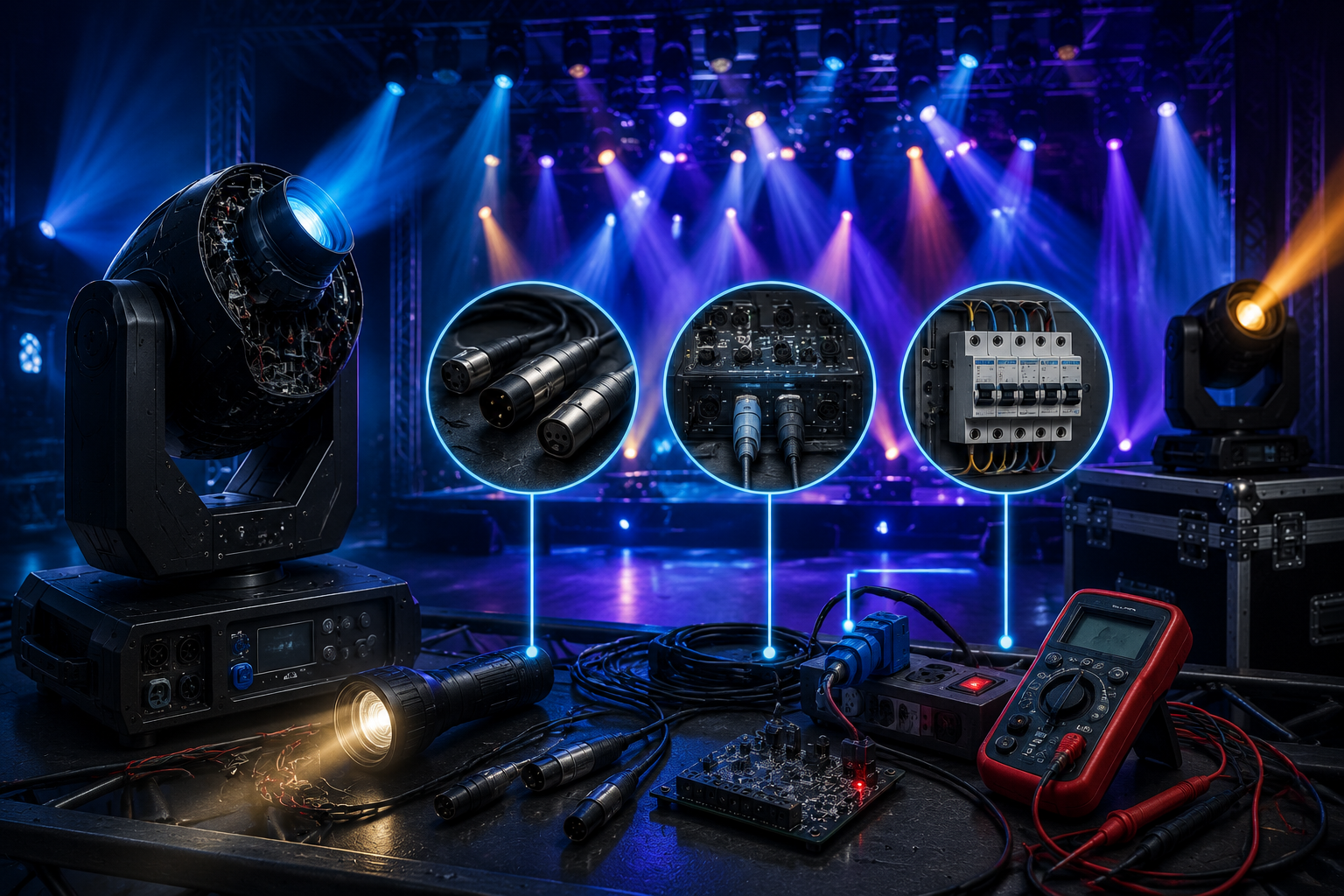
In modern entertainment production, stage lighting troubleshooting is a critical skill for technicians, designers, and rental companies. Whether it is a concert, theater show, or corporate event, lighting failure can immediately affect audience experience and production quality.
Most stage lighting issues appear unexpectedly during setup or live performance. The ability to fix problems within minutes is what separates professional technicians from beginners.
This guide focuses on three main areas:
Signal-related failures
DMX system diagnostics
Power system problems
2. Common Stage Lighting Issues in Real Applications
2.1 Signal Flickering Problems
Flickering is one of the most common stage lighting not working symptoms.
Possible causes include:
Loose DMX cables
Poor signal shielding
Damaged connectors
Weak signal distribution
Flickering usually indicates unstable data transmission rather than fixture failure.
2.2 Color Inconsistency Between Fixtures
Another frequent issue is inconsistent color output.
This may occur due to:
Even if fixtures are identical models, color mismatch can still happen in large installations.
2.3 Complete Fixture Failure (No Response)
When a light does not turn on or respond:
Possible causes:
No power input
Blown fuse
DMX address error
Internal driver failure
This is the most urgent type of stage lighting issues in live events.
3. Signal Troubleshooting: DMX System Diagnosis
3.1 Understanding DMX Signal Flow
DMX is the backbone of modern stage lighting systems. A single weak point can affect the entire chain.
Signal flow:
Controller → Cable → Fixtures → Termination
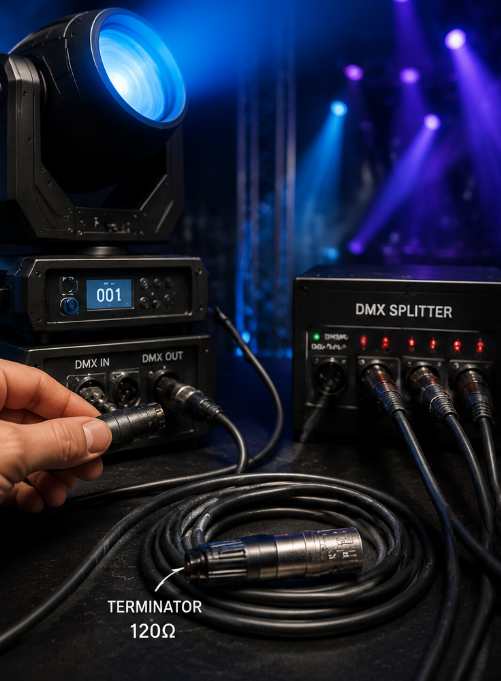
3.2 The Role of DMX Termination Resistor
A termination resistor (usually 120Ω) is placed at the end of the DMX line.
Its function:
Prevents signal reflection
Stabilizes data transmission
Reduces flickering and ghost signals
Without termination, long cable runs often cause unstable behavior.
3.3 Signal Distribution Splitters
In large setups, signal splitters are essential.
Benefits:
A good splitter can solve over 50% of large-scale stage lighting troubleshooting issues.
3.4 Quick Signal Diagnosis Steps
Check DMX controller output
Test cable continuity
Replace suspected cable
Isolate fixture chain
Add termination resistor
4. Power System Troubleshooting
4.1 Voltage Instability Issues
Unstable voltage is a major cause of stage lighting not working problems.
Symptoms:
Random rebooting
Dim output
Flickering LEDs
Causes:
Weak power supply
Long extension cables
Generator fluctuations
4.2 Overload Protection Activation
Modern fixtures include protection systems.
When overload occurs:
Fixture shuts down automatically
Cooling fan may run at full speed
Device becomes temporarily unresponsive
This is a safety feature, not a failure.
4.3 Power Distribution Problems
Common issues:
Too many fixtures on one circuit
Incorrect wattage calculation
Poor-quality power strips
Proper load balancing is essential for stable operation.
4.4 Simple Power Check Method
Verify voltage input
Test power cables
Check fuse status
Measure total load
Restart system safely
5. Combined Signal + Power Failures
Some stage lighting issues involve both systems:
Example:
These cases require systematic isolation.
6. Fast Troubleshooting Strategy (Professional Workflow)
Professional technicians use a layered approach:
Step 1: Identify symptom category
Signal issue
Power issue
Fixture internal issue
Step 2: Isolate system
Disconnect sections one by one.
Step 3: Replace variables
Swap cables, controllers, or fixtures.
Step 4: Confirm recovery
Test full system under load.
7. Why Stage Lighting Systems Fail in Real Projects
Most failures are not due to product defects but system design errors:
Incorrect DMX topology
Poor grounding
Overloaded circuits
Cheap cables
Lack of termination
Understanding system design reduces stage lighting troubleshooting time significantly.
8. Prevention: How to Avoid Stage Lighting Issues
Always use high-quality DMX cables
Install termination resistors
Balance power loads
Test before live performance
Keep spare cables and fixtures
9. Conclusion
Effective stage lighting troubleshooting is not just about fixing problems—it is about understanding how signal and power systems interact.
By mastering DMX signal flow, power stability, and system design, technicians can resolve most stage lighting not working issues within minutes and ensure reliable performance in any environment.



