Gobos are a critical component of many moving head fixtures and profile spots, enabling crisp projection of patterns, logos, and atmospheric effects. However, the gobo replacement process—especially in dusty or uncontrolled environments—can risk contaminating your optics.
This guide walks through professional best practices for replacing gobos while minimizing dust infiltration and preserving the optical clarity of your fixtures.
Why Dust Control Matters During Gobo Replacement
Dust might seem harmless, but in high-intensity beam paths it can:
Cause hotspotting or beam distortion
Lead to burn-in on lenses or gobos
Shorten the lifespan of internal coatings
Increase the need for deep cleaning cycles
For lighting designers and technicians, a few careless minutes during gobo handling can lead to hours of post-show maintenance — or worse, visible imperfections during a live event.
Step 1: Choose a Clean Environment
The first and most effective strategy is to avoid introducing dust in the first place. When possible:
Replace gobos indoors or in a sealed case, not at the stage edge
Avoid high-traffic, carpeted, or fabric-heavy areas
Work on a non-fibrous surface (e.g., plastic mat, metal table)
If you must work outdoors, use a clean lighting case lid or a dedicated service mat as your work area.
Step 2: Wear Gloves and Antistatic Protection
Human skin sheds oils and microscopic particles. Always wear:
Also, avoid working directly under AC vents or fans — airflow can deposit new particles onto open modules.
Step 3: Prepare Cleaning Tools Ahead of Time
Before opening the fixture, make sure the following are within arm’s reach:
Compressed air can (with filter tip, not unfiltered shop air)
Microfiber lens-safe cloth
Optical cleaning solution or isopropyl alcohol (99%)
Soft natural brush (e.g., camel hair) for gentle dusting
Having these nearby prevents panic cleaning or forgetting a step while the fixture is open.

Step 4: Remove the Gobo Carefully
When unscrewing the gobo retainer or removing the gobo wheel:
Tilt the fixture face-down slightly to prevent falling dust
Gently tap the gobo with your gloved fingers to dislodge loose debris
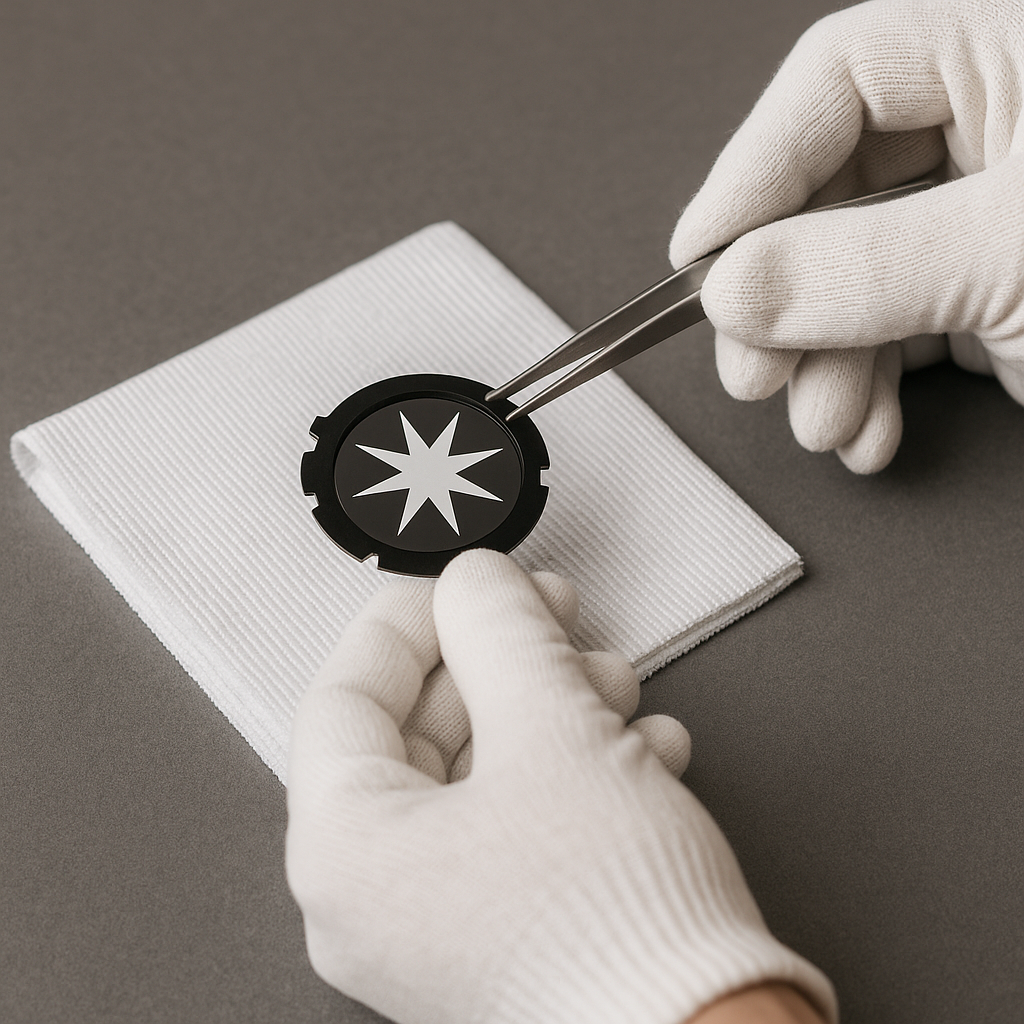
Handle gobos only by the edges — avoid touching the patterned surface
Place removed gobos on a clean lint-free cloth or foam insert, never on the table or case directly.
Step 5: Inspect and Clean the Gobo Holder
Even if the new gobo is pristine, the holder itself can harbor micro-dust or debris:
Wipe all edges and inner faces with a microfiber cloth
Use compressed air to blow out recesses or retaining rings
Never use tissue paper or rough cloth — they can shed fibers or scratch coatings
This step is crucial for maintaining beam uniformity and clarity during projection.
Step 6: Insert the New Gobo — and Recheck
When inserting the new gobo:
Align any notches or rotation tabs precisely
Use tweezers or gloves to position fine-focus gobos
After securing the retainer, give the fixture one more blast of filtered air
Before powering on, visually inspect through the front lens to ensure no fibers or dust specks are present in the beam path.
Step 7: Final Test and Reset
Once the gobo is replaced:
Run a static test cue with white light at full intensity
Project onto a smooth white surface or scrim from at least 3 meters away
Rotate and index the gobo to check for clarity, sharpness, and ghosting
Only then is it safe to close the housing and rehang the fixture.
Pro Tips for Touring Crews
| Situation | Solution |
|---|
| Outdoors in dusty terrain | Build a portable clean bench with Pelican lid |
| Festival changeover time | Pre-stage gobos in labeled foam slots |
| Foggy environments | Use gobo shields to limit residue exposure |
| Long-term transport | Store gobos in airtight sleeves with silica |
Conclusion
Replacing gobos without leaving dust is not just about optics — it’s about professionalism, fixture longevity, and show consistency. By planning ahead, working clean, and following best practices, you can ensure crisp, dust-free projection every time.
In the end, a clean gobo equals a clean show.
READ MORE:



